








Government Unlimited Plan

Tools to help you Respond Faster.

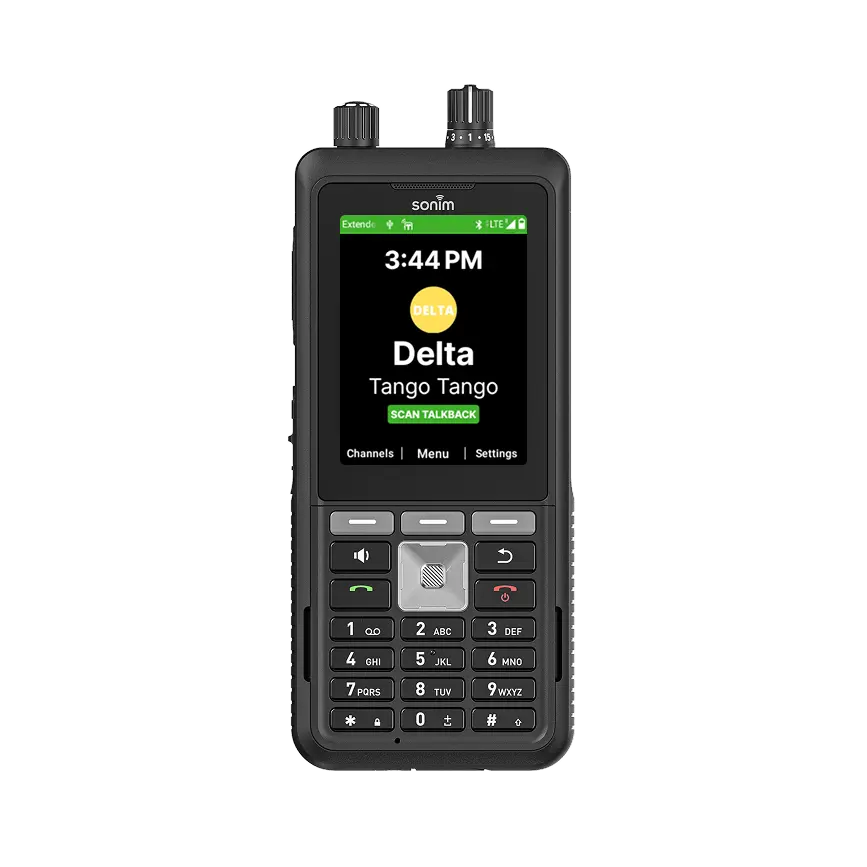
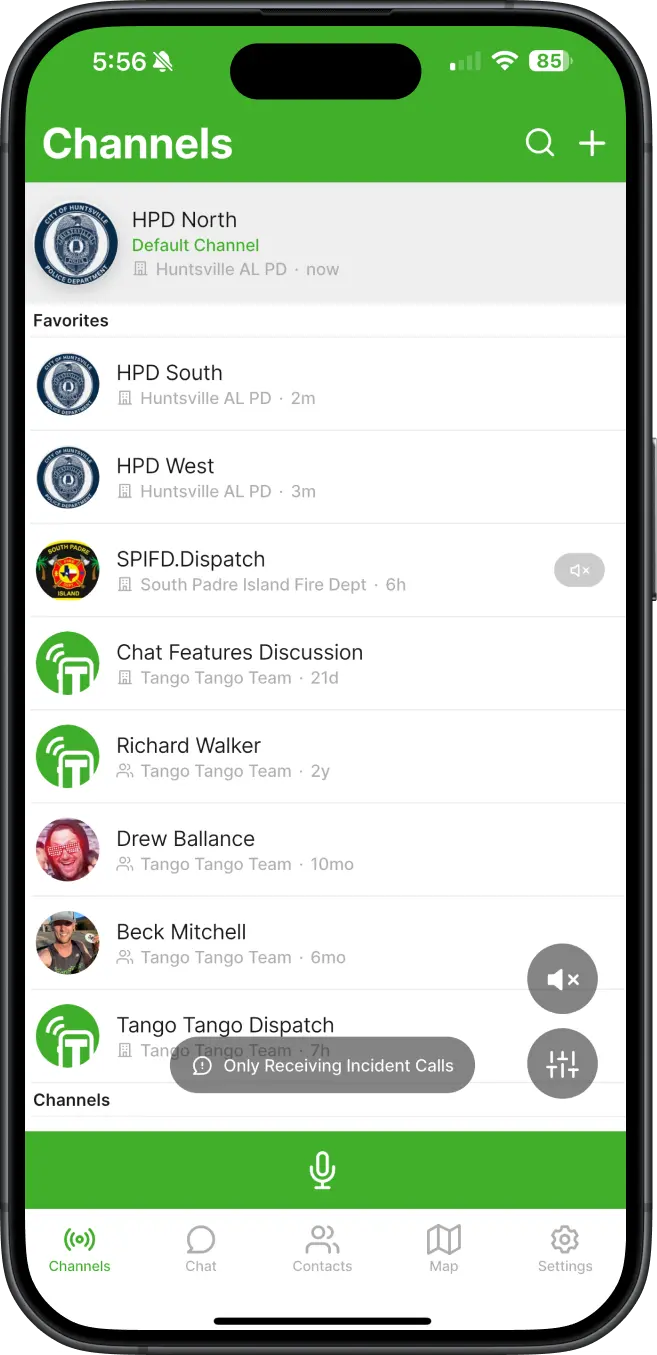
Smarter Push-to-Talk.

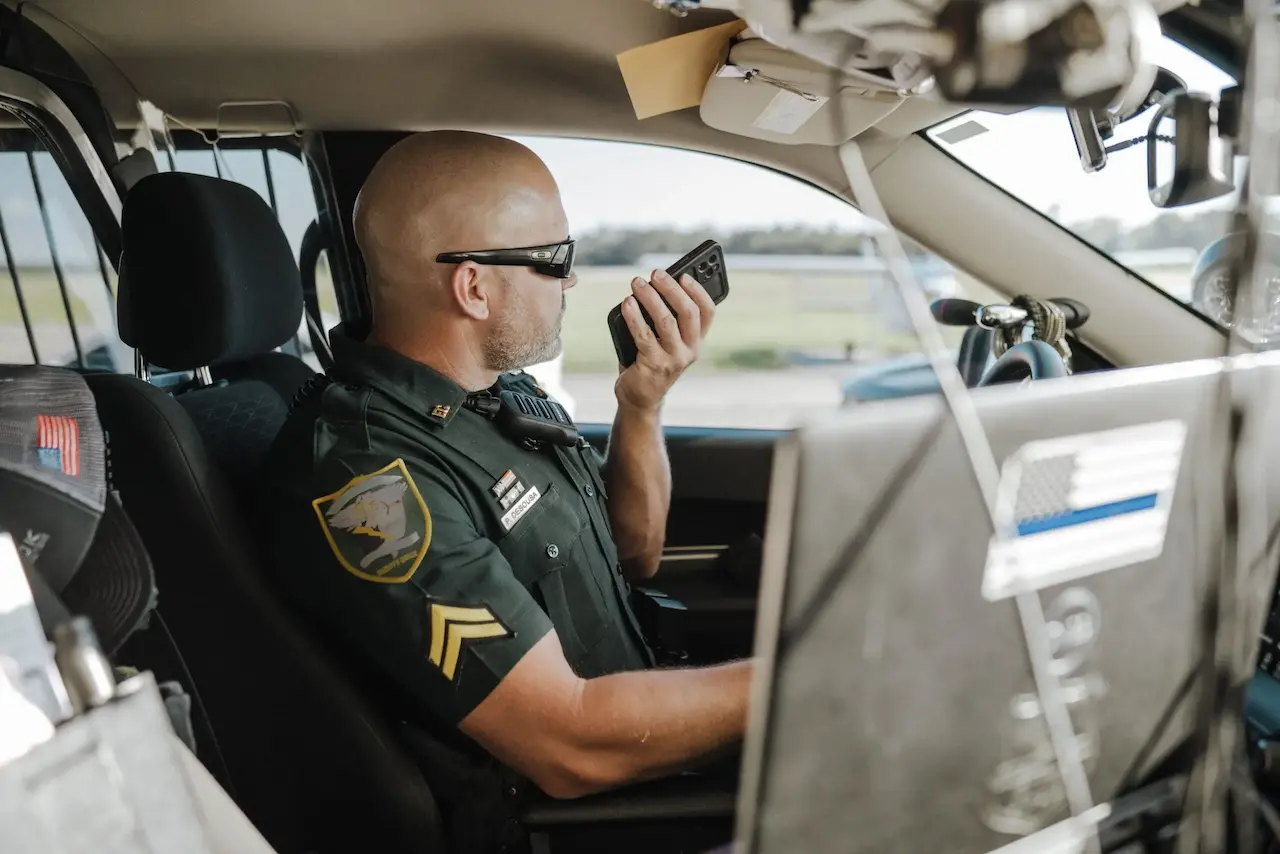
A police officer uses PTT on his smartphone in his patrol car.
A smartphone icon

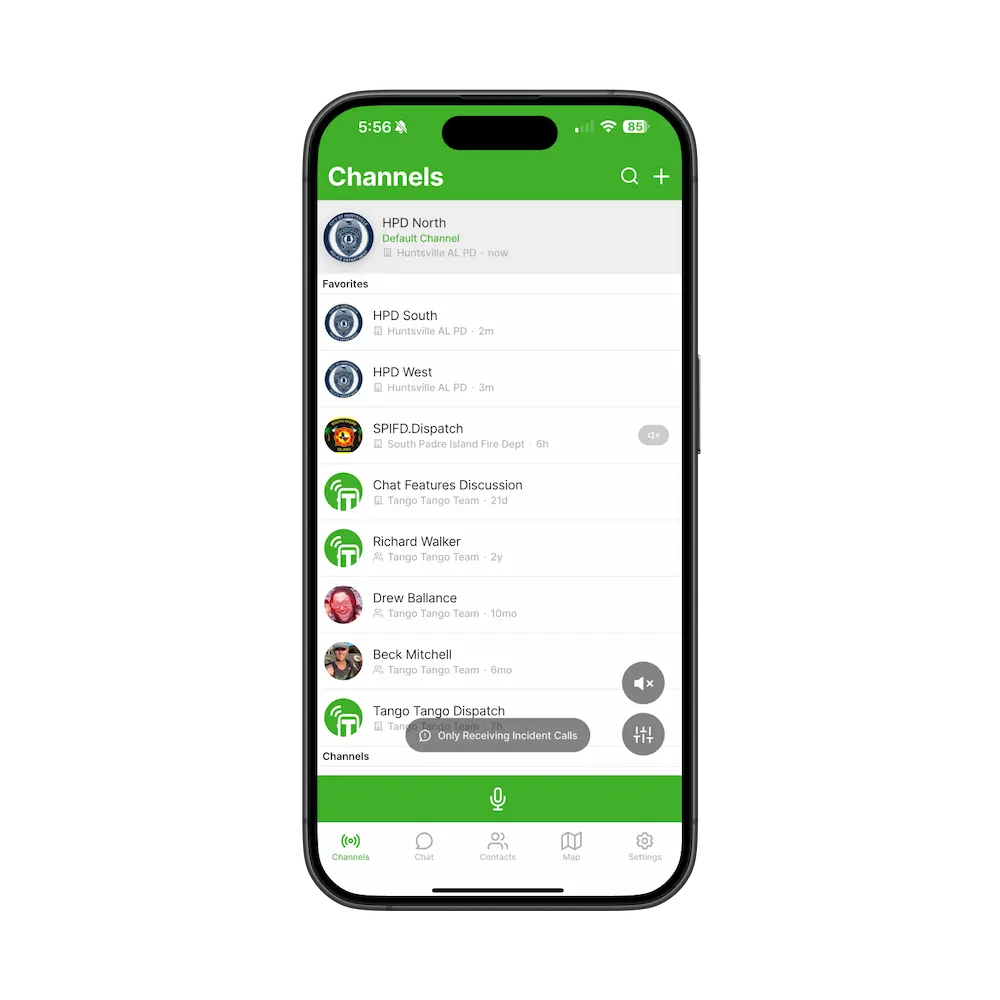
PTT from any device or network

  • Use smartphones, PCs, traditional radios and more.
  • PTT from cellular, WiFi, satellite, or radio networks.
  • One seamless PTT network for your team on any device.
A walkie talkie icon

Connect any radio system

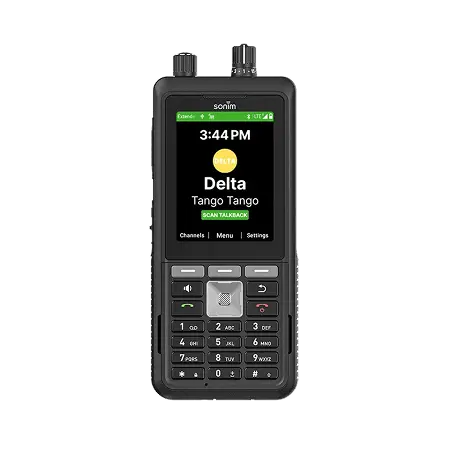
  • All major radio manufacturers supported
  • Communicate with your existing radio system using phones & more.
Recordings icon

Cloud Recording & Playback

  • Missed a call? Playback right from the app.
  • Playback up to 7 days of traffic in-app, 30 days from website
Police officer & firefighter icon for two-way radio interoperability

Easy Interoperability

  • Temporary or standing interop with other organizations
  • Quickly invite new users to your PTT network "on the fly".

Secure Team Messaging

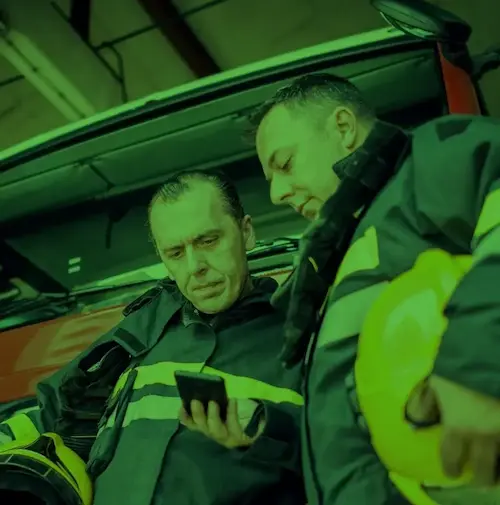
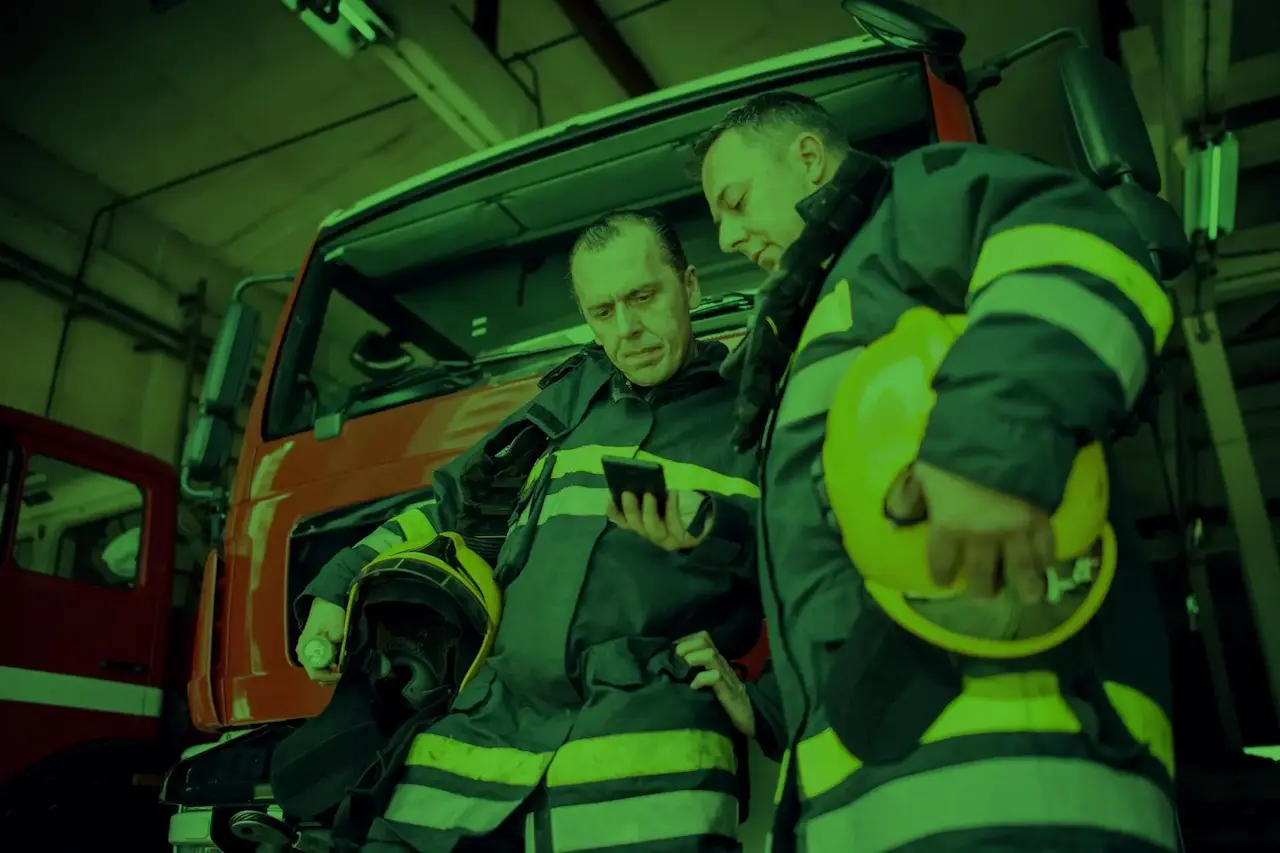
2 firefighters look at a CAD Alert from Tango Tango.
Alt messaging icon

Messaging

  • Message with your existing PTT users & groups
A briefcase icon

Org-Controlled, Server-Hosted

  • Unlike consumer apps, in Tango Tango, your org owns your messages.
  • Add/delete users as needed. Never worry about who is admin of a given channel. Even if a user leaves the org, your org stays in control.
  • Similar to email, all  messages are securely stored on the server. No need to access end user devices to see what was said. Audit trails available for edited or deleted messages.
A mail icon

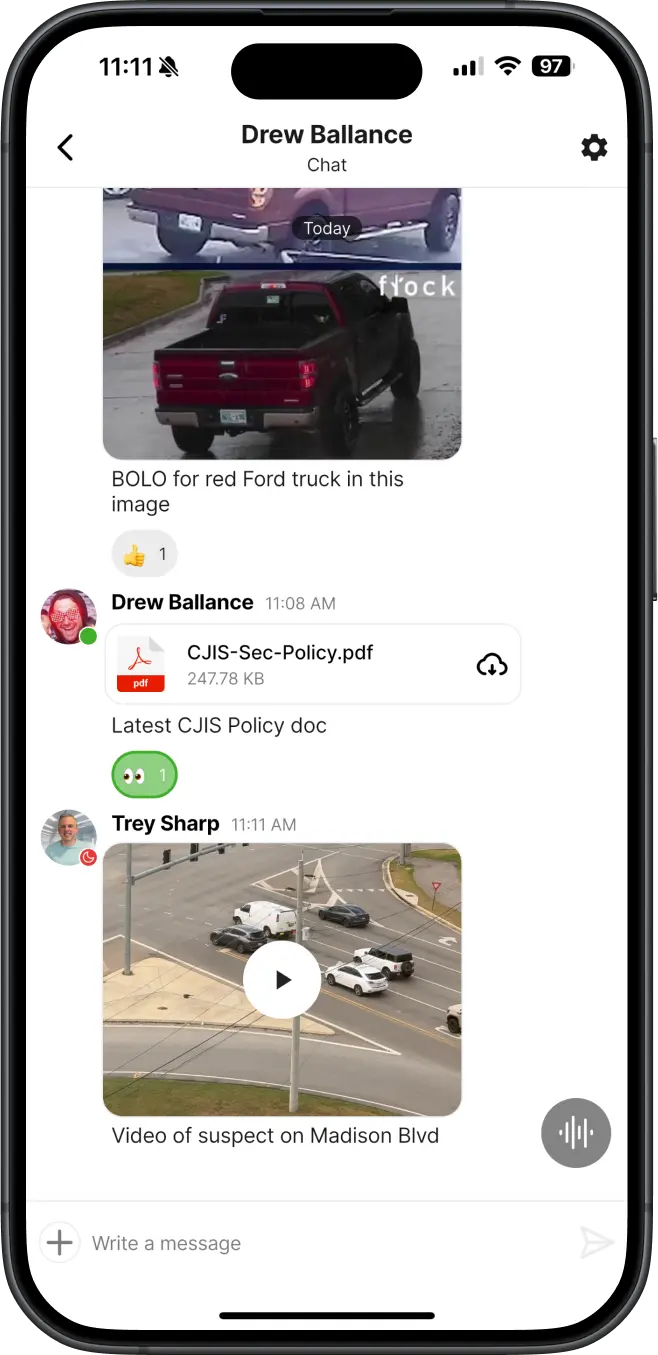
Full-Featured Messaging

  • Just because you want secure, controlled messages, doesn't mean you have to skimp on features.
  • Send attachments of virtually any kind - PDF, image, video, and more.
  • Long press a message to: Reply in a thread, React with an Emoji (thumbs up, etc), or Edit or Delete messages
  • Search to find messages or attachments.
A smartphone icon

Simplicity

  • One app for users for PTT, Alerts, and Messaging.
  • A single user list to setup & maintain for admins.

Alerts & Integrations

An ambulance drives through a city.
A desktop computer icon

CAD Alerts

  • Automatically send CAD Incident alerts to users.
  • Delivered by text or (soon) in-app notification
  • All CAD Systems supported
A bell icon

Fire Tones

  • Receive two-tone pages in the Tango Tango app
  • Talk back to dispatch via radio integration.

Raptor Alerts

  • Receive alerts from Raptor Technologies via text-to-speech on your radios and Tango Tango PTT channels.
  • Customize who you want to get alerts for each campus.
A computer and smartphone connected to a two-way radio icon

Included with Unlimited Plans

  • Alerts help your team respond faster & are free with all Unlimited Plans
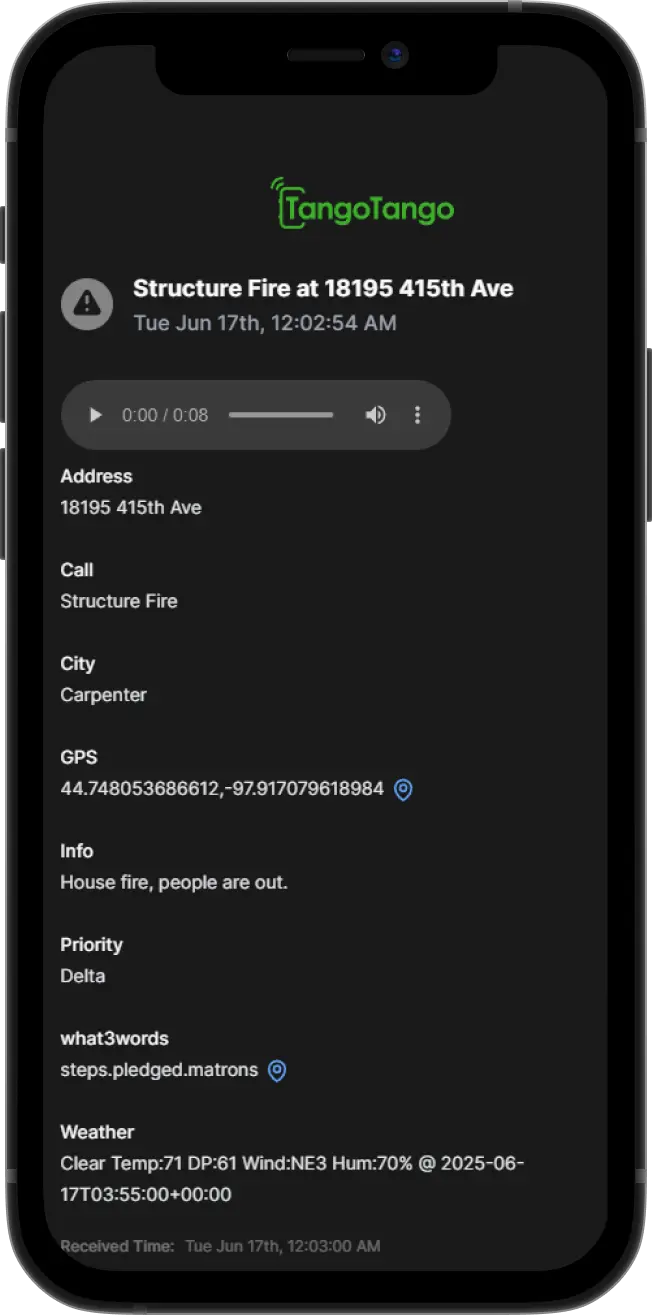
An example of a CAD Alert from Tango Tango

Get Started

Popular Add-Ons

Government Unlimited Plan FAQ

What radio systems are able to connect to Tango Tango?

We support virtually any radio system and type of donor radio with the only exceptions being models that are very old or not widely sold.

How do you connect to my radio system?

We connect to one of your portable or mobile radios - called a "donor" radio in our world. We generally connect to the accessory port on the radio in the same way that a speaker microphone would. This enables us to "talk" to your radio system using that radio.

This creates a very dependable connection because we are connecting via the already programmed and supported hardware that you are already using with your system. Learn more on our Radio Integration page.

Are users truly Unlimited on Unlimited Plans?

Yes - Unlimited Plan customers can add as many users as they would like. Note that our published Unlimited Plans are only available to Government, Education, Churches, and Small Businesses. If you don't fit into one of these categories, Contact Us for pricing.

What CAD Systems does Tango Tango support for CAD Alerts? How do they work?

We support virtually any CAD system - specifically, any CAD system capable of generating an email for new incidents. We have yet to find one that doesn't have this capability.

You simply set your CAD system to send new incident emails to an email address that we will provide you, then choose what users you'd like to get alerted about new CAD incidents. Learn more on our CAD Alerts page.

Reviews from Users

More Reviews

"A Must"

Tango Tango Interoperability is a must in rural Georgia. Many cases will cross jurisdictional boundaries & we all have different radio systems making it difficult to communicate effectively. We have partnered with our neighbors to the north and south through Tango Tango which has greatly improved response and officer safety. We can communicate in a minute's notice.

Sheriff Bill Hancock

Crisp Co, GA Sheriff's Dept

“Have to Have It”

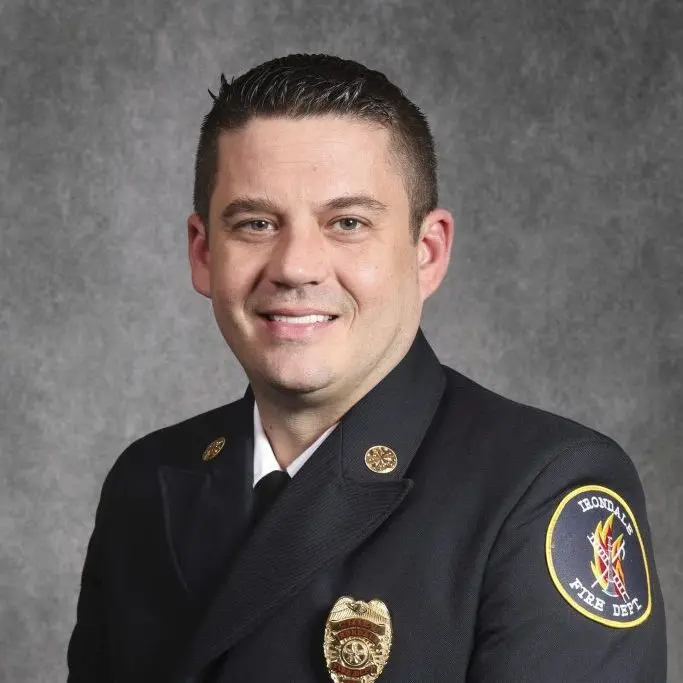
Tango Tango is simple, user-friendly, and reliable. Once you try it, you will have to have it as part of your everyday life.

Chief Josh McDaniel

Irondale, AL Fire Dept

“Strongly Recommend”

We are extremely pleased with Tango Tango! I often use it while en route to work to monitor our radio traffic and when I am off-duty. The sound quality is excellent! The customer support is exceptional as well. I strongly recommend this app.

Walter Warner, Dispatch Manager

Atlanta Public Schools Police Dept

“The Solution”

Communication is the number one obstacle to conquer when dealing with crowds. Tango Tango was the solution to all of our communication protocols. Tango Tango empowered each user to communicate via their own cellphone which ultimately led to much more effective communication in and around our Church! Tango Tango is simple, effective, and forward-thinking.

Marcus Anderson, Security Director

Pentecostals of West Houston

Tango Tango Products